In This Guide
If your heat pump is short-cycling intermittently, you may need to reset your system to return to normal operation.
Here is a quick and easy step by step video guide to safely and effectively reset your heat pump in your condo.
Why You Should Reset Your Heat Pump
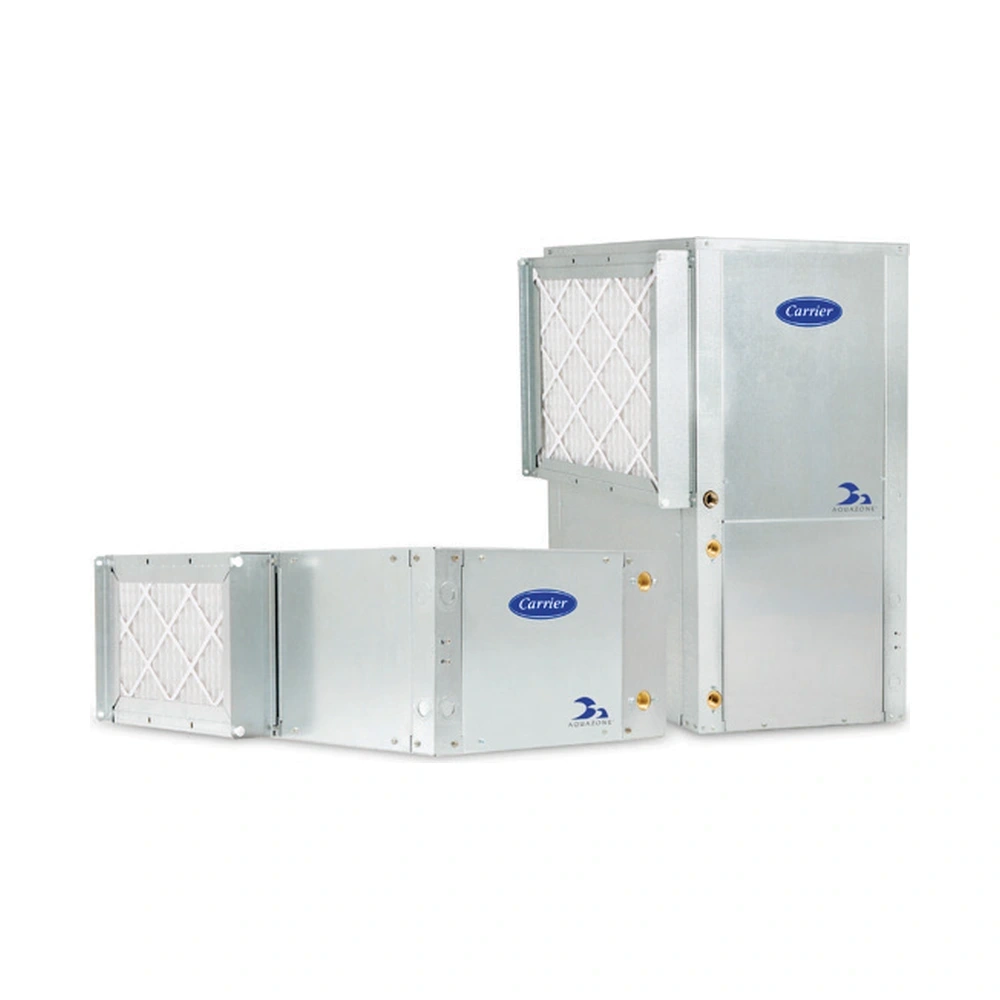
Like any appliance, a heat pump can sometimes encounter minor issues such as a power surge, dirty air filters, or Lack of maintenance due to building-related problems. When these things happen, your system may stop functioning correctly or display a warning light, like a flashing red light. A reset often clears these error codes, allowing the system to start fresh without needing a technician.
8 Step Guide To Reset Your Heat Pump
Here’s how you can reset your heat pump in a few easy steps:
1. Turn Off The Thermostat
First things first—turn off the thermostat. This prevents the system from continuing to function while you reset it, ensuring the unit will restart properly once everything is powered back on.
2. Turn Off The Power Switch
Next, locate the heat pump’s power switch toggle. This switch is typically located on the edge of the unit or on the wall next to it. Turn this switch off to completely disconnect the system’s power.
3. Turn Off The Electrical Breakers
Head over to your main electrical breaker panel and locate the two breakers that control the heat pump. There is a table to indicate the number associated with the breaker switch. Flip the switch to the “Off” position. This step cuts off all electrical power to the unit, allowing it to reset completely.
4. Turn Everything Back On
Now it’s time to power everything back up in reverse order:
- First, turn the two breakers back on.
- Next, flip the power switch toggle near the heat pump back to the “On” position.
- Finally, turn the thermostat back on and set it to the desired temperature.
5. Adjust The Thermostat
Change the set point on the thermostat to a higher set point than room temperature. Please note that you need to change the mode for heating or AC depending on the season.
- Cooling Mode (Summer): Set the thermostat to cooling mode if you’re resetting during warmer months.
- Heating Mode (Winter): For colder months, switch it to heating mode.
Give the system about 15 minutes to stabilize and begin running as expected.
6. Check Airflow
Place your hand near the vent to make sure the air is flowing correctly.
8. Verify Heating Or Cooling
Ensure that the heat pump is producing the desired temperature. For heating, you should feel warm air, and for cooling, cool air should be blowing through the vents. You can also place your hand on the coil behind the air filter to see if the front coil is getting hot or cool.